The short answer
To stop strangers contacting your child in a game, turn chat off, or limit it to friends only, in the game's own settings before they start playing. Family Link can't switch off chat inside a game, but it can approve each install, block an app and set time limits5. Then agree one rule: if a stranger asks to move the conversation to another app, that's always a no.
- What is an open lobby?
- A space in a game where anyone can join and talk, not just friends.
How games let children talk to people they don't know
Many popular children's games now come with some way to talk to other players:
- Text chat
- Voice chat
- Friend requests
- Open lobbies where anyone can join
These features are often switched on by default, before a parent ever gets the chance to say no.
Key facts
Free to quote, with a link to this page
- 31%
of 8 to 17-year-olds who game online chat with strangers while gaming4.
Source: Ofcom, 2024
- 22%
of 8 to 17-year-olds had talked while gaming to people they didn't know outside the game3.
Source: Ofcom, 2023
- 2022
An FTC settlement required Epic Games to switch Fortnite's voice and text chat off by default for children and teens15.
Source: Federal Trade Commission, 2022
Reduce the risk in 2 steps
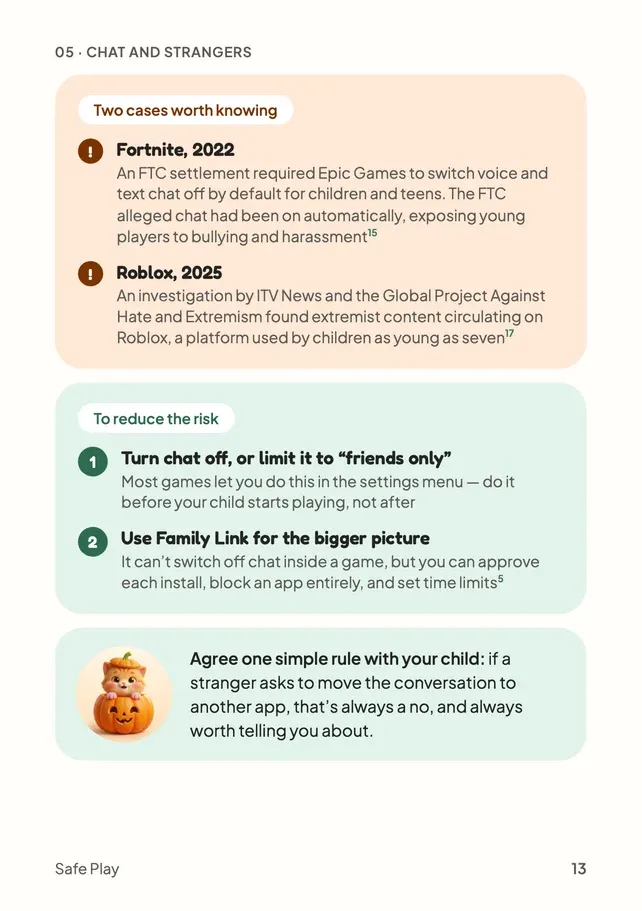
Turn chat off, or limit it to "friends only"
Most games let you do this in their settings menu. Do it before your child starts playing, not after.
1Open the game's settings, often a cog
2Look for Chat, Social or Privacy
3Choose Off, or Friends only
An illustration, not a real game. Every game's menus are different, so look for words like Chat, Social, Privacy or Communication. Use Family Link for the bigger picture
It can't switch off chat inside a game, but you can approve each install, block an app entirely and set time limits5.
How to set up Family Link
Agree one simple rule: if a stranger asks to move the conversation to another app, that's always a no, and always worth telling you about.
Why regulators stepped in
- Fortnite, 2022. An FTC settlement required Epic Games to switch voice and text chat off by default for children and teens. The FTC alleged chat had been on automatically, exposing young players to bullying and harassment15.
- Roblox, 2025. An investigation by ITV News and the Global Project Against Hate and Extremism found extremist content circulating on Roblox, a platform used by children as young as seven17.
These aren't fringe apps. They're among the most popular games children play.
Myth vs fact
What parents often hear, checked against the sources
Myth
“Children only chat with friends they know.”
Fact
31% of 8 to 17s who game online chat with strangers while gaming4.
The most important part
If a stranger gets in touch, it's not your child's fault.
Chat is often switched on before a parent ever gets the chance to say no. A child who replies to a friendly message hasn't done anything wrong. What matters is that they feel able to tell you.
Many children delay telling a parent because they fear the reaction more than what happened45. So make it clear, early, that telling you never leads to trouble.
Talking about it, before anything happens
A few easy ways in:
Who do you play with online? Do you know them in real life?
Curious, not checking up. Ask while they're playing, when it feels natural.
If anyone asks you to chat somewhere else, that's always a no.
The one rule worth repeating, until it's automatic.
You'll never lose the game for telling me something.
Make telling you the safe choice, every time.
And if a message worries you
Stay calm and reassure your child first. Then see what to do if something goes wrong for who to call, including CEOP and the NSPCC Helpline.
Put it into practice
Actions you can take now
Everything this chapter covers, as a short to-do list you can work through now, while it's fresh.
Quick wins, a few minutes each. Tick them off as you go.
0 of 4 done
Common questions
Can Family Link turn off chat in games?
No. Family Link can approve installs, block an app entirely and set time limits, but it can't switch off chat inside a game5. Turn chat off, or limit it to friends only, in the game's own settings.
How do I turn off chat in a game?
Look in the game's settings menu for chat, voice or privacy options, and turn chat off or limit it to friends only. Do it before your child starts playing.
How many children talk to strangers in online games?
Ofcom found 31% of 8 to 17-year-olds who game online chat with strangers while gaming4.
Is chat switched on by default in children's games?
Often, yes. In 2022, an FTC settlement required Epic Games to turn Fortnite's voice and text chat off by default for children and teens, after the FTC alleged it had been on automatically15.
Sources
- Ofcom, Children and Parents: Media Use and Attitudes Report (2023) · ofcom.org.uk
- Ofcom, Children and Parents: Media Use and Attitudes Report (2024) · ofcom.org.uk
- Google For Families Help, Manage your child’s Google Play apps · support.google.com
- Federal Trade Commission, Fortnite Video Game Maker Epic Games to Pay More Than Half a Billion Dollars over FTC Allegations of Privacy Violations and Unwanted Charges (2022) · ftc.gov
- ITV News, Mosque shootings and far-right skins: Teens playing Roblox exposed to extremist content (2025) · itv.com
- CEOP (National Crime Agency), Child Exploitation and Online Protection Command: make a report · ceop.police.uk
- NSPCC, NSPCC Helpline · nspcc.org.uk
- Net Psychology, Online Grooming: How Predators Manipulate Children (2026) · netpsychology.org
Page updates
- Chapter 05 published as its own page.